A4 · .pdf
Fillable PDF
- Type into the fields on a computer or a tablet
- Save a filled-in copy for every client
- Or print it blank and fill it in by hand
- Opens in Adobe Acrobat Reader, Preview on a Mac and most PDF apps
Client file · Consent · Treatment record · 3 pages
Original price was: €15,00.€12,00Current price is: €12,00.
The Hyaluron Pen form is a three-page client file for salons that offer hyaluron pen treatments: a consultation and medical history page, a consent page with procedure information, contraindications and the facial areas to treat, and a treatment record with the product, batch number, quantity and aftercare. You get it as a fillable A4 PDF and an editable PowerPoint file.
Secure payment by card through Stripe, or with PayPal.
At a glance
| Used for | Salons that offer hyaluron pen treatments |
|---|---|
| Contents | Client file · Consent · Treatment record |
| Pages | 3 × A4 |
| Files | Fillable PDF and editable PowerPoint (.pptx), with a short guide to customising them — in one ZIP |
| Language | English (the wording can be edited in PowerPoint) |
| Delivery | Instant download after payment — nothing is posted |
| Downloads | Up to 5 times within 14 days of purchase |
| Licence | For use in your own salon; no resale or sharing — licence terms |
| Price | €12,00 (regular price €15,00) |
| Sold by | Beauty Box · ZIEGERT SRL, Bucharest, Romania |
What’s inside
Page 1
Consultation & medical history
Page 2
Procedure information
Page 3
Session details, declaration & aftercare
Formats
A4 · .pdf
Editable · .pptx
Both files come in one ZIP download, with a short guide to customising them.
Delivery
Pay by card through Stripe, or with PayPal.
Download one ZIP file from the confirmation page, your order email or My account.
Use it straight away — on screen, printed, or after adding your logo.
Licence
Print the form and edit the PowerPoint file as often as you need in your own salon. The files may not be resold, shared or published. Full licence terms.
Questions
The client’s details, a yes/no medical history for 18 conditions, and their medication and allergies; three contraindications and the facial areas to treat; and, for the treatment, the date, product used, batch number, quantity in ml, pressure or setting, areas treated, possible reactions, three declarations to tick and six aftercare points.
Up to 5 times within 14 days of purchase — from the order confirmation page, your order email or, if you have an account, My account → Downloads. Save the ZIP file on your computer the first time you download it.
Yes. Open the PowerPoint file to add your logo, change the colours and edit the wording or the fields, then export it to PDF. The forms are templates: check them against the rules that apply to your salon and adjust them where needed.
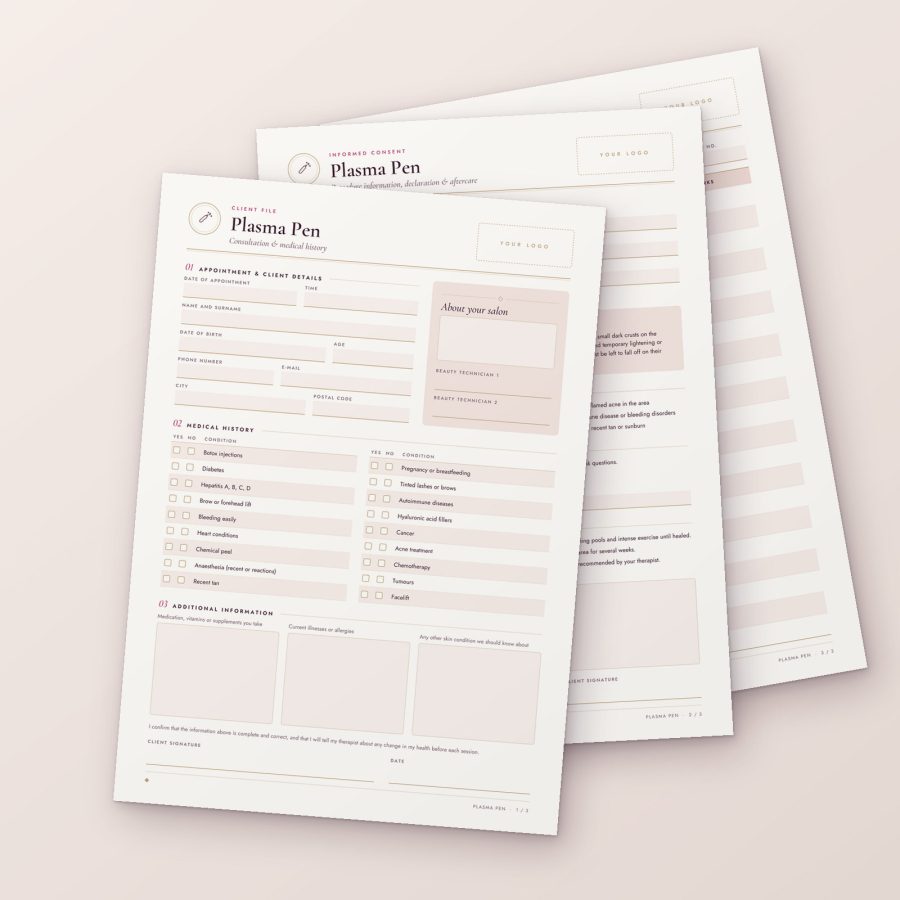 Plasma Pen
Original price was: €15,00.€12,00Current price is: €12,00.
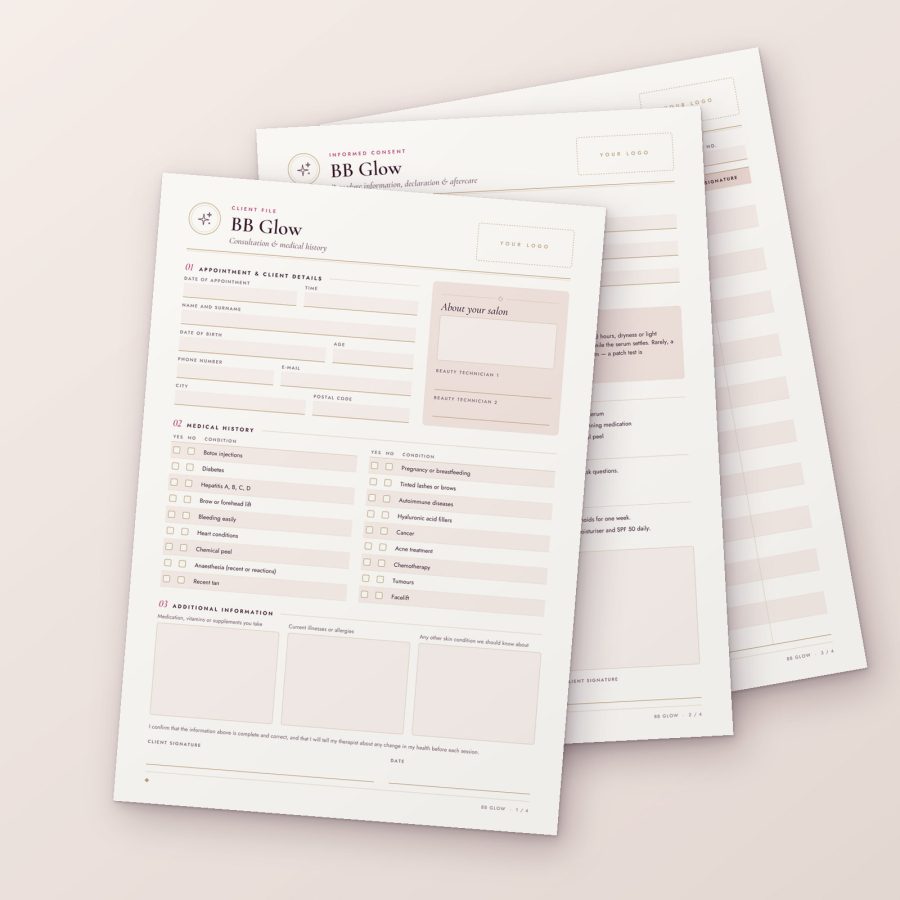 BB Glow
Original price was: €15,00.€12,00Current price is: €12,00.
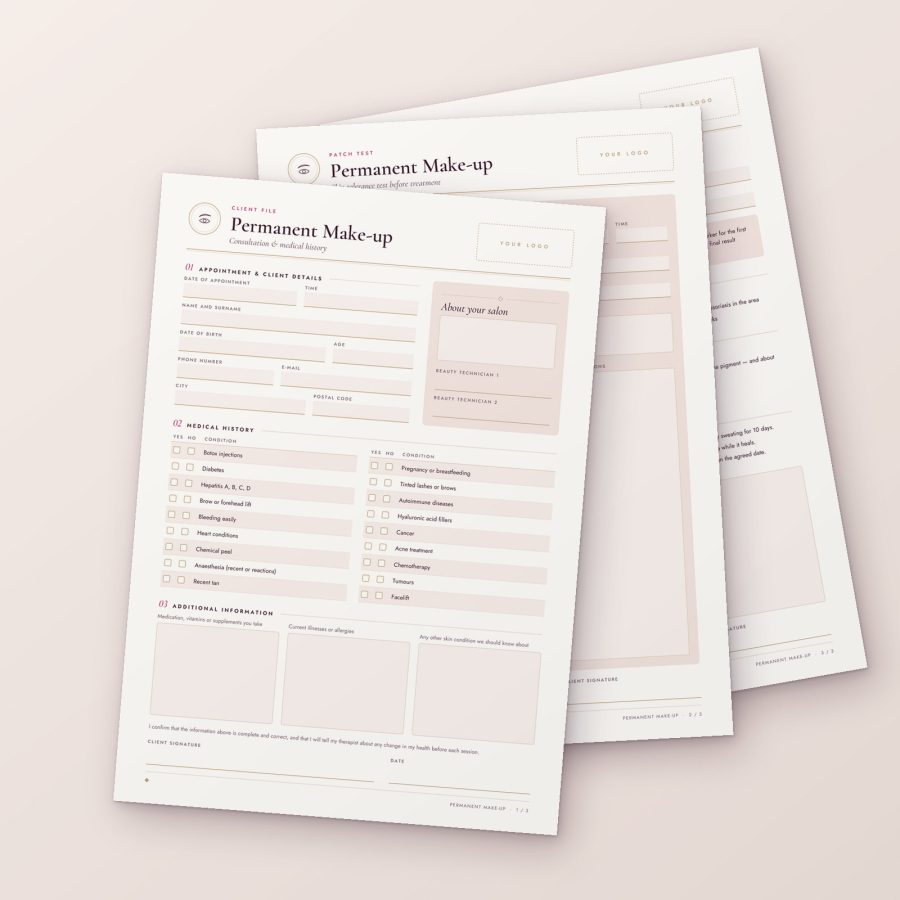 Permanent MakeUp
PMU
Original price was: €15,00.€12,00Current price is: €12,00.
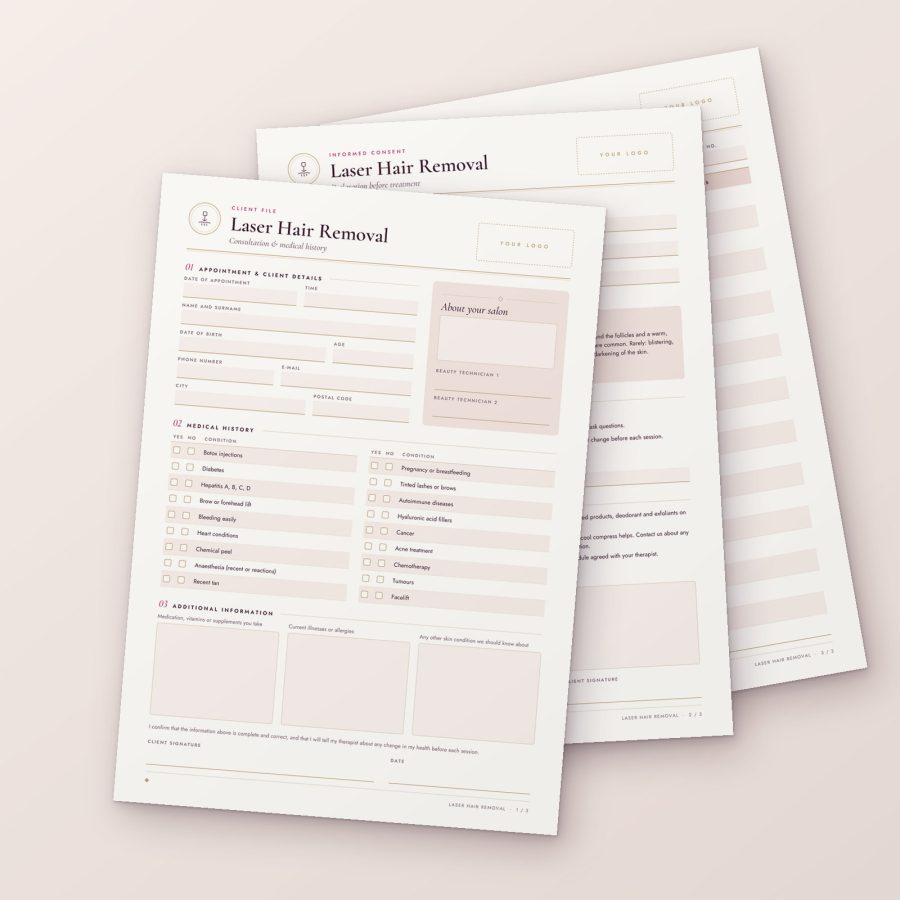 Hair Removal
Laser Hair Removal
Original price was: €15,00.€12,00Current price is: €12,00.
Cookies — only with your say-so
The shop uses the cookies it needs to work: your basket, the checkout and your account. With your permission we would also use analytics cookies to see how visitors find us. Nothing optional runs until you choose. Cookie policy
Privacy
Choose which cookies we may use. You can change this at any time from “Cookie preferences” at the bottom of every page.
Necessary
Basket, checkout, sign-in, security and remembering this choice. The shop cannot work without them, so they are always on.
WooCommerce order attribution: records how you arrived at the shop (for example from a search engine or a link) and attaches it to your order. Session only.
Advertising and remarketing cookies. We do not use any at the moment; if that changes, they will only run with your consent.